VOLUME RENDERING
3D Slices
A 3D representation of the 2D axial, sagittal and coronal slices can help you gain new insights from your image data, identifying correlation of features across planes.
Activate this tool by clicking the 3D Image Slices button in the toolbar, with the icon above. Slices in all 3 orientations will be added to the Volume View, adopting the colormap applied to your slices in the Image tab.
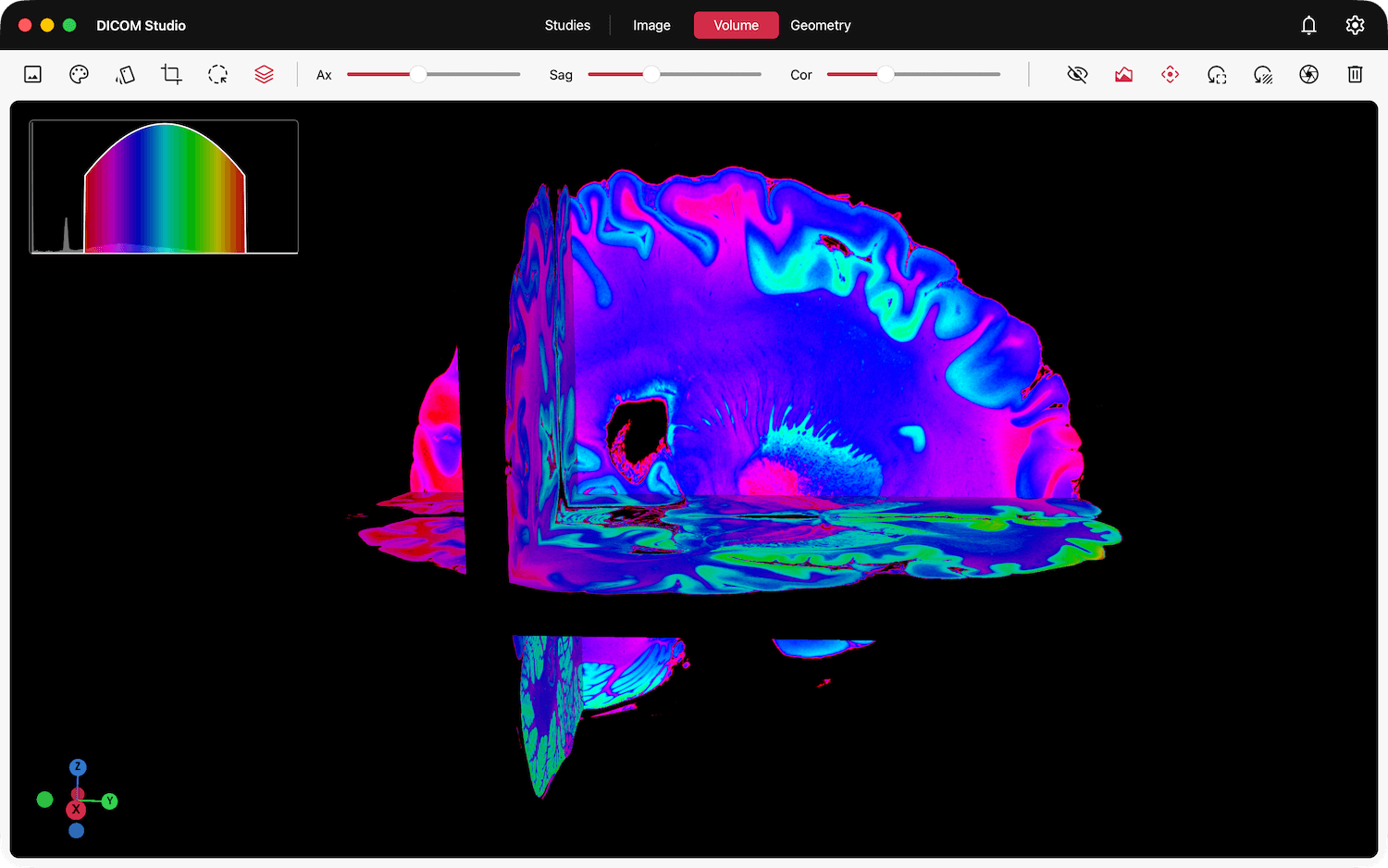
The Axial, Sagittal and Coronal sliders in the toolbar allow you to scroll through slices in each orientation.

Use the Show/Hide Volume Render button in the toolbar, with the icon(s) below to toggle the visibility of the volume.
Click the 3D Image Slices button once more to deactivate this tool.
© 2026 Marceda Ventures Limited.