Intensity Projection Tools
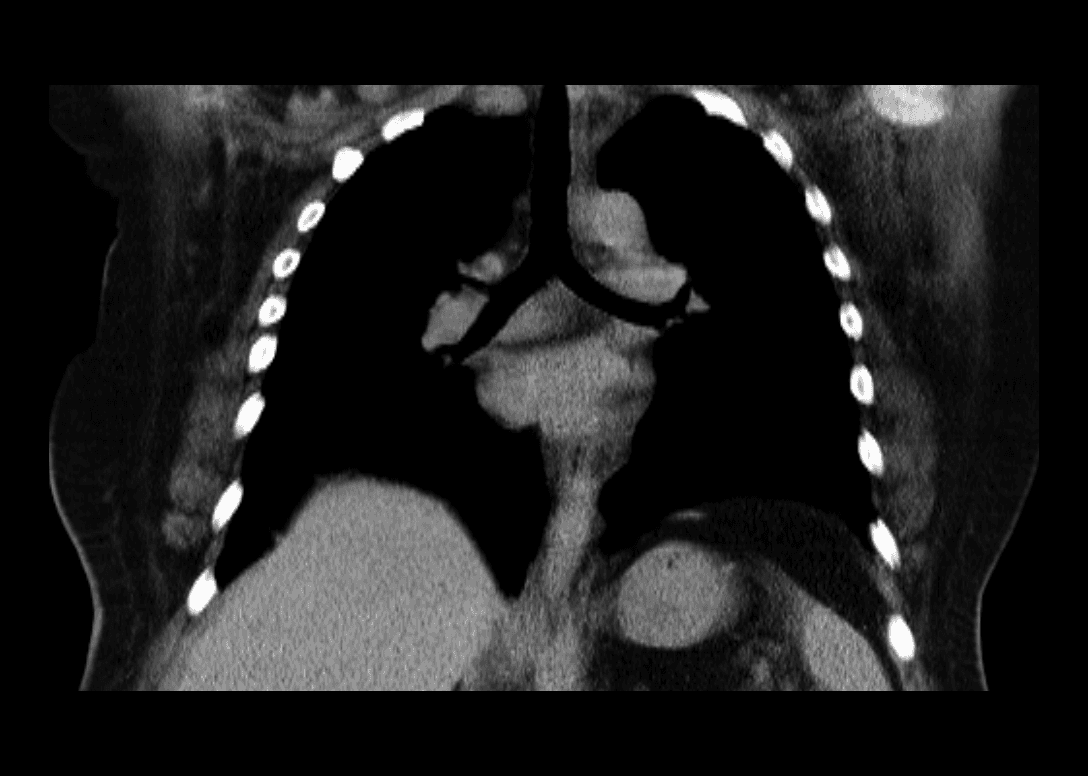
MIP (Maximum Intensity Projection), MinIP (Minimum Intensity Projection), and MeanIP (Mean / Average Intensity Projection) are volume rendering and slab-reconstruction techniques in DICOM viewers used to condense 3D volumetric datasets (like CT and MRI) into 2D projections by evaluating voxel intensities along a ray of sight.
The core mechanism behind each technique is as follows:
- MIP: Selects the voxel with the highest attenuation / brightness along each projection ray.
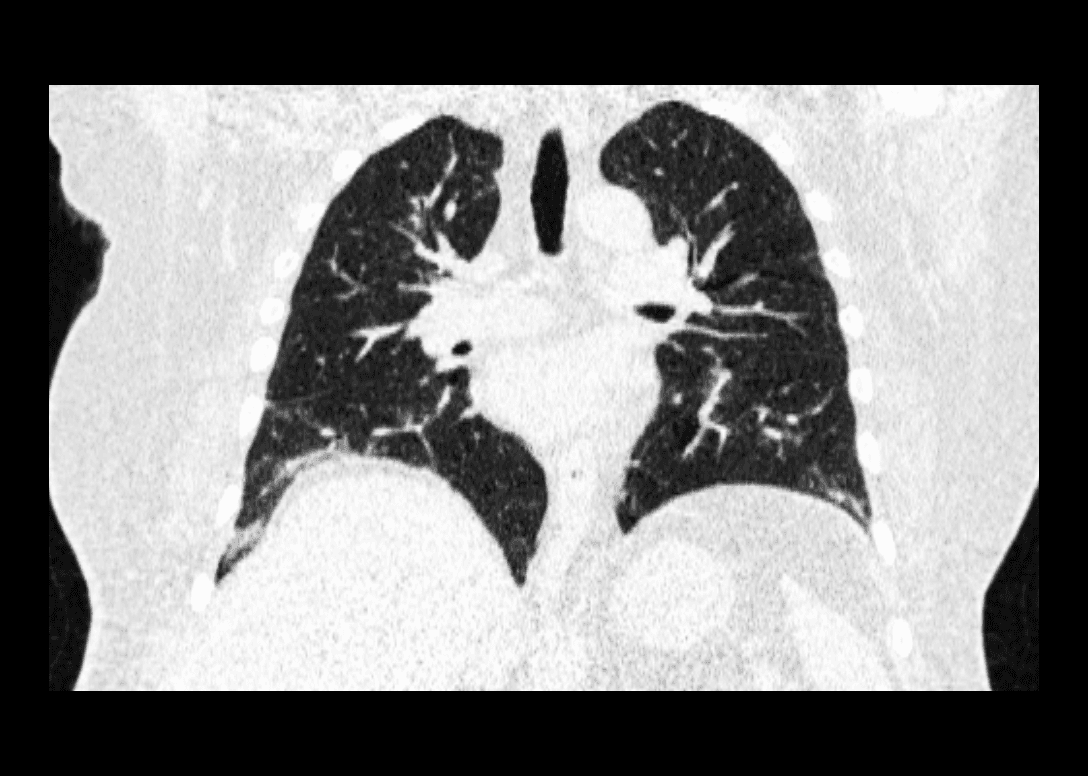
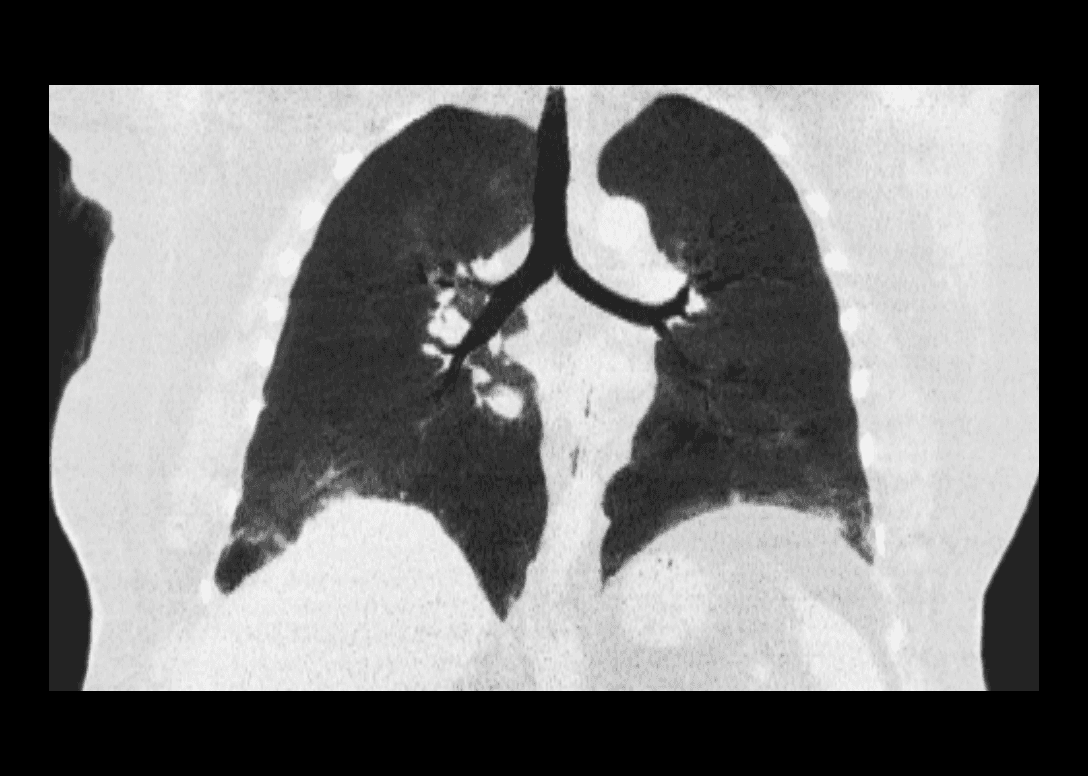
- MinIP: Selects the voxel with the lowest attenuation / darkest value along each projection ray.
- MeanIP: Calculates the average attenuation across all voxels along each projection ray.
MIP
Activate this tool by clicking the Intensity Projection Tools button in the toolbar, with the icon above.
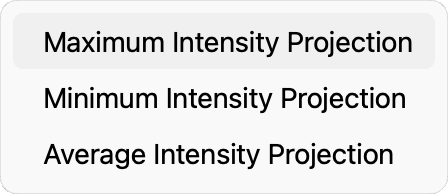
Select Maximum Intensity Projection from the menu that follows.

Drag the slider left/right to adjust the slab thickness.
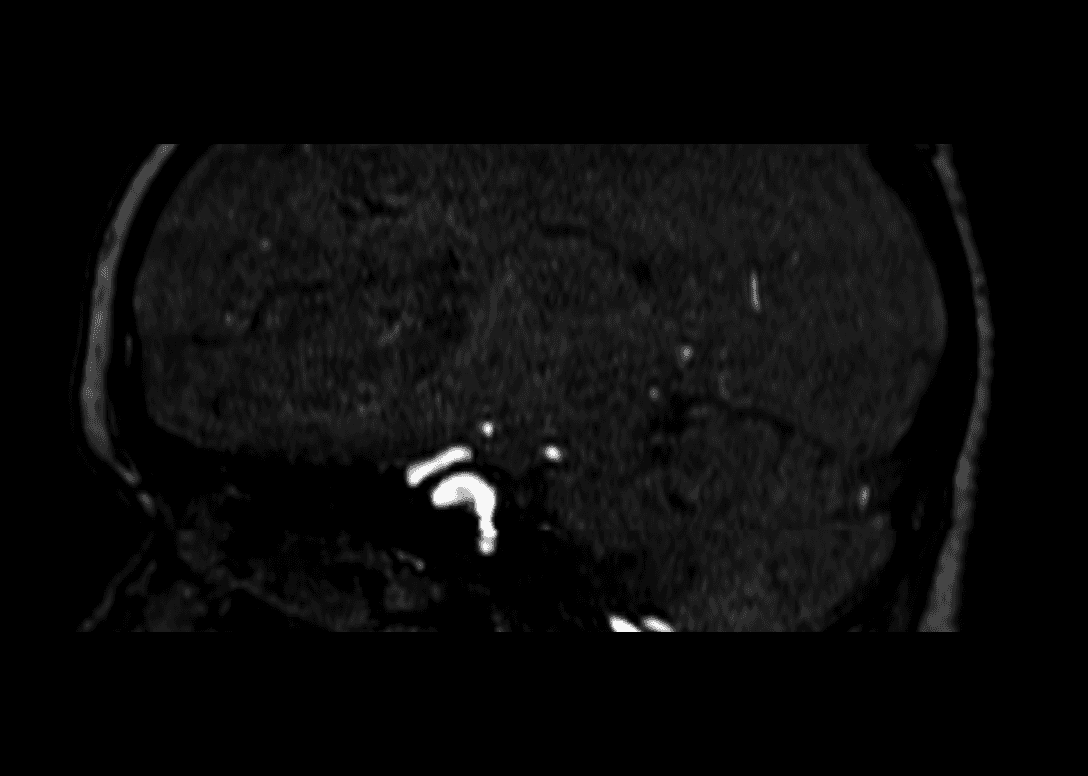
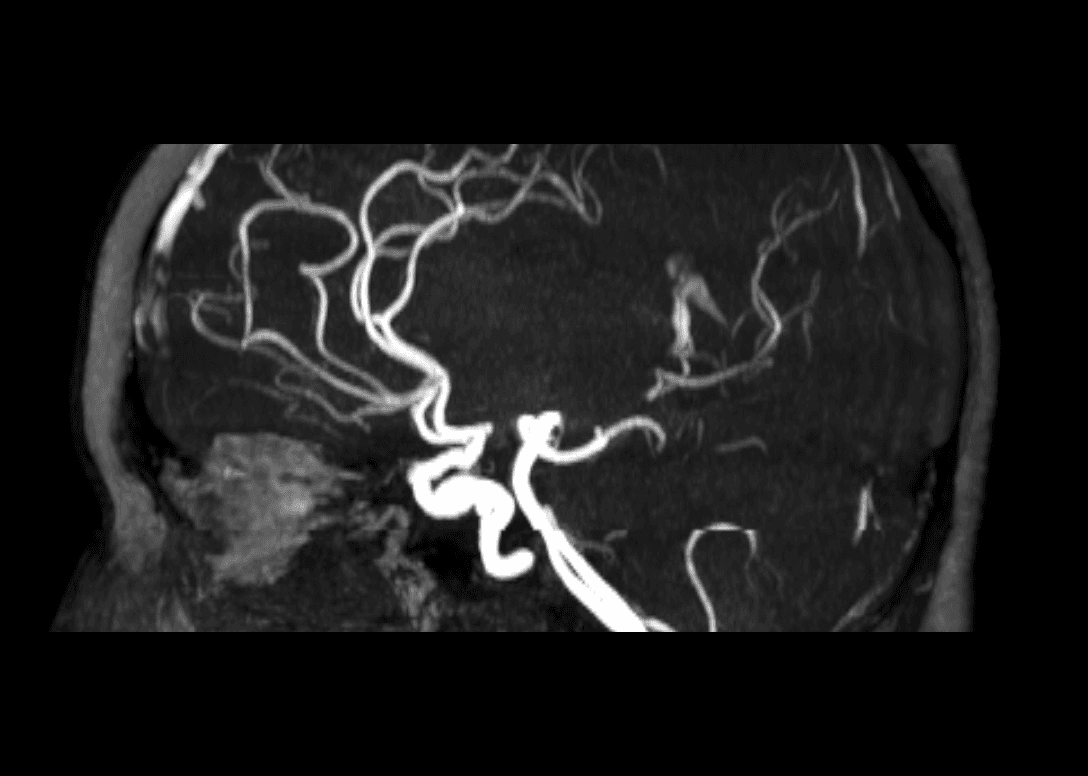
The results are updated to all the Image Views in real-time.
MinIP
Activate the Intensity Projection Tool.
Select Minimum Intensity Projection from the menu that follows.

Drag the slider left/right to adjust the slab thickness.
MeanIP
Activate the Intensity Projection Tool.
Select Average Intensity Projection from the menu that follows.

Drag the slider left/right to adjust the slab thickness.